


AI Is Changing Work. Fear Alone Won’t Prepare Us.
AI job anxiety is understandable. Explore what job transformation means and start one practical experiment with human judgment and review.
Practical AI classes · Interest list open
Learn AI alongside people with similar work needs. Bring a task you want to make easier, and practice building a useful result you can check and reuse.
A class is scheduled when 10 people ask for it — $99 per 2-hour class. Join the list, then decide once the date and price are confirmed.

Outcomes First
Every class is built backwards from something you want to be able to do — not from a list of features.
Use AI to eliminate repetitive work and simplify everyday tasks.
Turn information into useful insights, comparisons, and action plans.
Create stronger emails, documents, presentations, and ideas.
Use AI for planning, research, learning, finances, projects, and family needs.
Connect AI with the tools you already use and automate repeatable processes.
Progress toward personalized assistants and agents capable of helping manage real responsibilities.
The Progression
LifeQuest AI does not teach random AI tricks. It teaches progression — a route from your first useful conversation to systems that work on your behalf.
Discover what AI can do and identify opportunities in your life or organization.
Develop practical skills through short, understandable lessons.
Use those skills on real projects, workflows, problems, and decisions.
Build automation, assistants, and increasingly advanced AI systems.
Where this takes you
Groups forming now
Small businesses and solopreneurs. Insurance and accounting professionals. Educators. Nonprofits. Tell us where you fit and what you want to accomplish.
Learning Paths
Nobody should be forced through the same curriculum. Pick the track that matches your life, and we sequence the classes and labs for you.
Digital literacy and practical AI for households and multiple generations.
Productivity, communication, research, Microsoft 365, and workplace automation.
Marketing, operations, customer service, automation, and decision support.
AI adoption, communications, fundraising support, program development, and community impact.
AI Labs
Labs turn lessons into working solutions. You bring your own real problem; you leave with something that runs.
Assemble a single daily brief that pulls together your calendar, priorities, and the two or three things you actually need to know before 9am.
You leave with
A repeatable morning brief you receive or generate daily.
Configure an assistant that researches a topic properly — gathering, comparing, citing, and summarizing into a one-page brief you can act on.
You leave with
A research assistant plus a finished one-page brief.
Turn one month of anonymized transactions into a clear picture: categories, patterns, recurring costs, and three findings worth acting on.
You leave with
A spending analysis and three documented findings.
Create an assistant that prepares you before every meeting: who is attending, what happened last time, what is outstanding, and what you should ask.
You leave with
An automated meeting-prep packet.
Build the full pipeline for a recurring newsletter — source gathering, drafting, review, and scheduling — with a human approval step before anything sends.
You leave with
A working newsletter workflow with approval.
Set up a shared assistant for meals, schedules, activities, and household logistics that the whole family can actually use.
You leave with
A shared family planning assistant.
Connect
Everyone enters the AI journey at a different level. Take a short assessment and LifeQuest AI will recommend the classes, labs, and learning path that best match your goals.
Sample questions
Your answers map to one of five learning paths and a recommended starting class and lab.
Our Definition of Success
The goal isn’t finishing classes. Completion is easy and means very little. We measure whether you built practical AI capability you still use a month later.
From the blog
Short, practical articles you can act on before lunch. Each one points to the class that goes deeper.

AI job anxiety is understandable. Explore what job transformation means and start one practical experiment with human judgment and review.
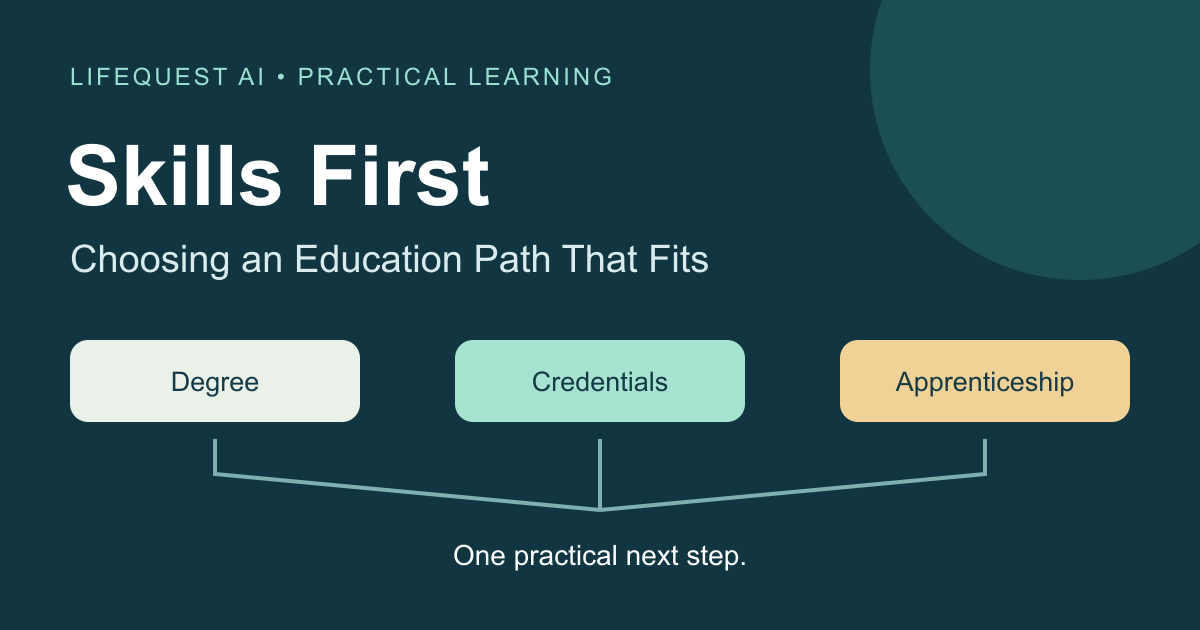
College, credentials, and apprenticeships deserve a careful comparison. Start with the work you want to do, investigate the requirements, and use AI to support the research.
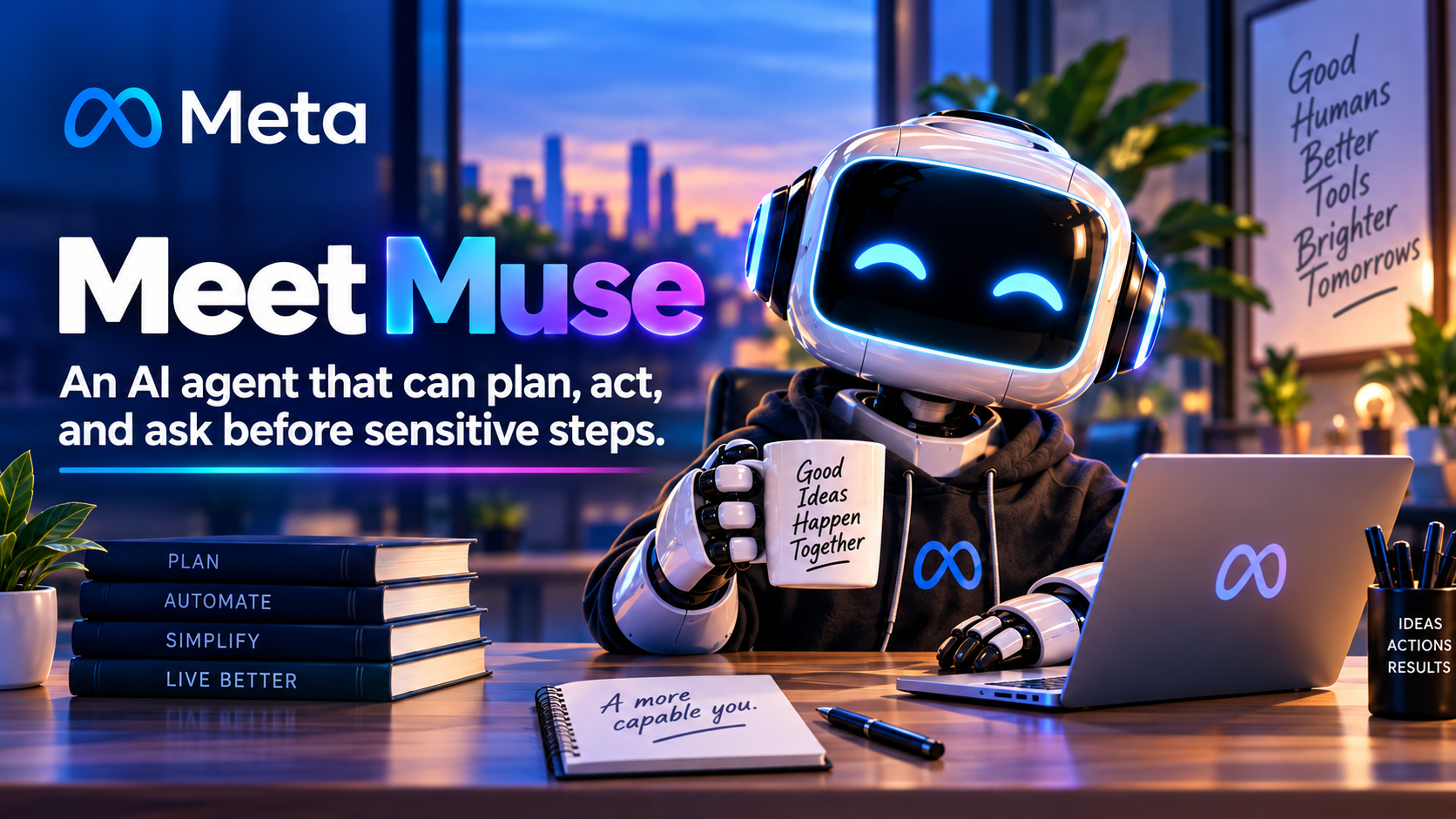
Muse moves Meta AI beyond answering questions toward completing tasks. Its promise is broad access; its real test will be whether everyday people can use that power with informed control.
Newsletter
Get practical AI ideas, new tools, class announcements, tutorials, and one useful AI challenge delivered to your inbox.
Bring one task you want to make easier. We organize a class when 10 people with similar work needs are interested. See the class details before you decide to enroll.